Audio Scene Item
Audio scene items let you add music or sound effects to individual scenes. You can fine-tune the track’s behavior, speed, and looping to perfectly match the pacing and tone of your story.

🎚 Controls Available
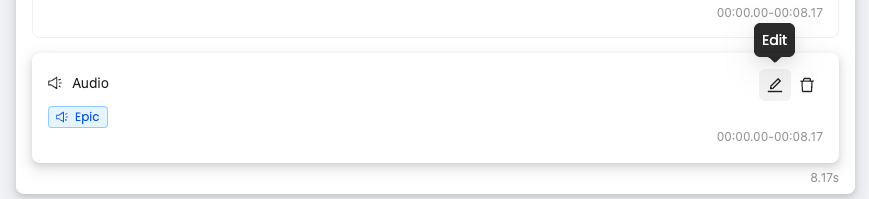
Click the ✏️ icon to open the audio editor for the selected scene item.
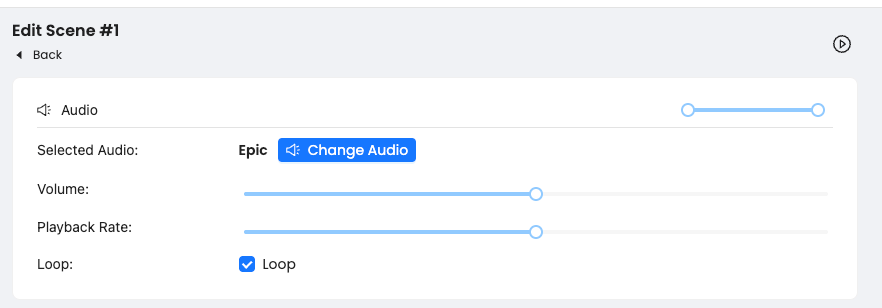
You can adjust:
Volume – Set how loud the track plays in the mix
Playback Rate – Slow down or speed up the music
Loop – Enable looping to fill the scene duration
🎧 Changing the Track
Click Change Audio to open the music selector. You can choose from:
A curated library of themed tracks: Epic, Funny, Sad, Piano, Rock, etc.
Or upload your own audio file
Was this helpful?
Still need help? Ask the team